One Platform, Unlimited Possibilities
Why use 5+ tools when MyClass can do it all? MyClass makes life easier with AI assisted content generation, whiteboarding, videoconferencing, formative assessment tools, gamification, lesson sharing, and more. Save time and simplify your workflow.



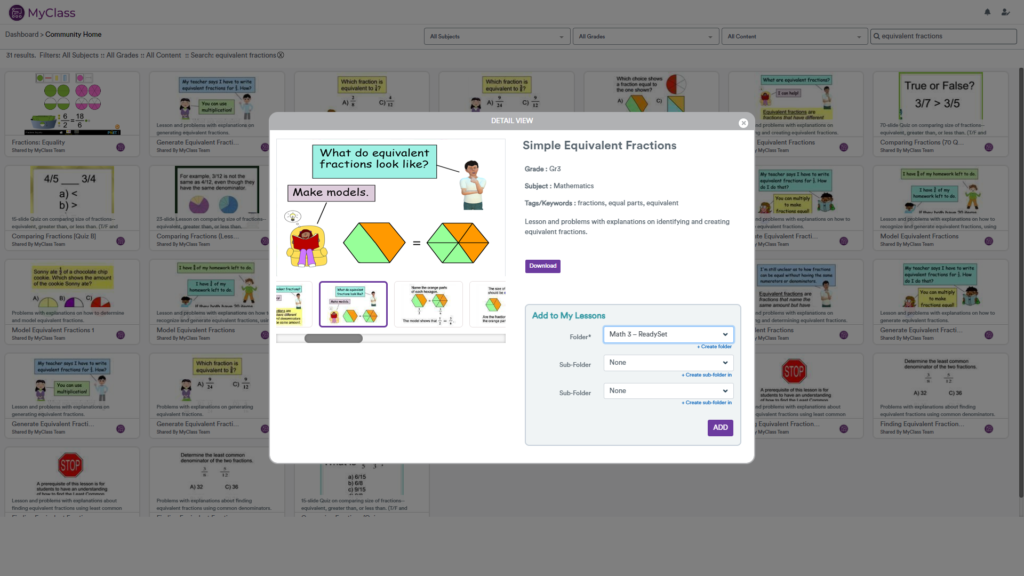
See how MyClass can do it all

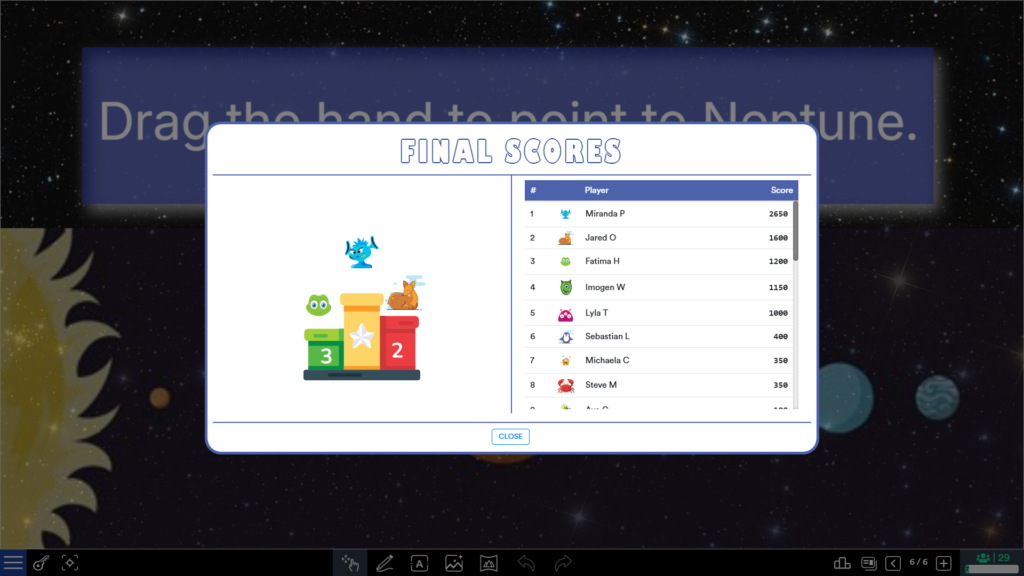
Excite and reward students with Classroom Challenge mode
Turn any quiz into a game with Classroom Challenge mode – just add student devices!
Students pick a character and race against the clock (and each other) to answer questions as fast and accurately as possible. Earn rewards for streaks, speed, and more – then spend them in the MyClass Shop*.
*MyClass Shop available in MyClass Pro.


Classroom management tools at your fingertips
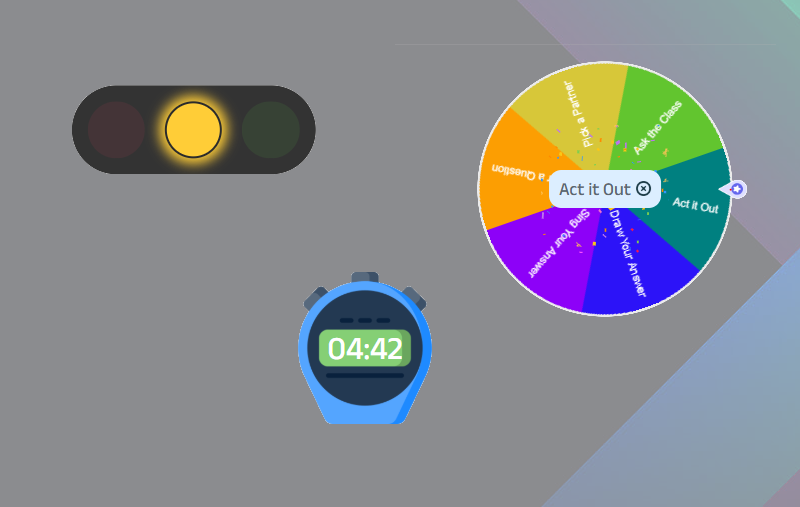
On the dashboard, tools like the timer, stopwatch, traffic lights, and polling widgets provide quick and effective ways to keep the classroom organized and running smoothly while encouraging student engagement. If you’re using MyClass on Android, these tools can pop out and be used over any other app, including your web browser.
During a MyClass presentation, focus tools like random student pick, spotlight, eyes-up, laser pointer, and real-time student work viewing help keep lessons interactive and on track.
Interactive whiteboard that works with your existing lessons
A full-featured whiteboard experience has everything you need to create your own content, and those lessons you spent a lot of time on in other platforms will feel right at home in MyClass. Import from your local files, or from Google Drive and Microsoft OneDrive.
MyClass can import:
- Smart Notebook
- Promethean ActivInspire
- MimioStudio Notebook
- Microsoft, Google, and PDF formats
- Images, videos, and audio formats
Assessment tools to know what your students know (or don't know)
Formative and summative assessment options help you quickly find and address weak areas in your students’ understanding. MyClass supports quick and instant polls, question slides in your live presentation, or assessments for students to complete in their own time.
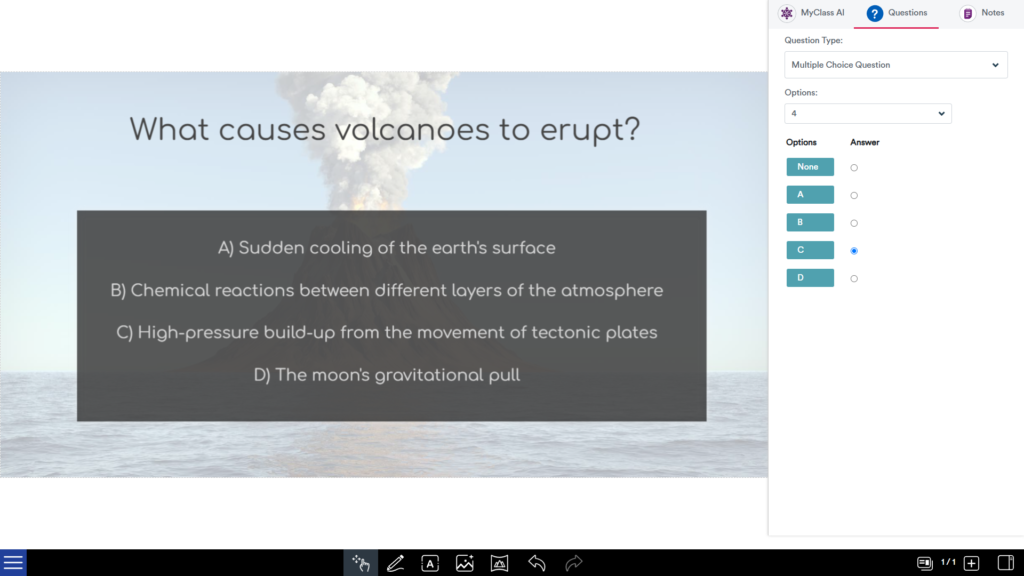
Easily set up question slides in advance in the sidebar while creating your content, and it will automatically pose to students when they join a presentation or answer homework questions on their own devices.
10 useful question types: numeric, multiple choice, short text/fill-in, true/false, yes/no, rating scale, multiple mark, sequence, vote, and identification, gives you the right question format at the right time.
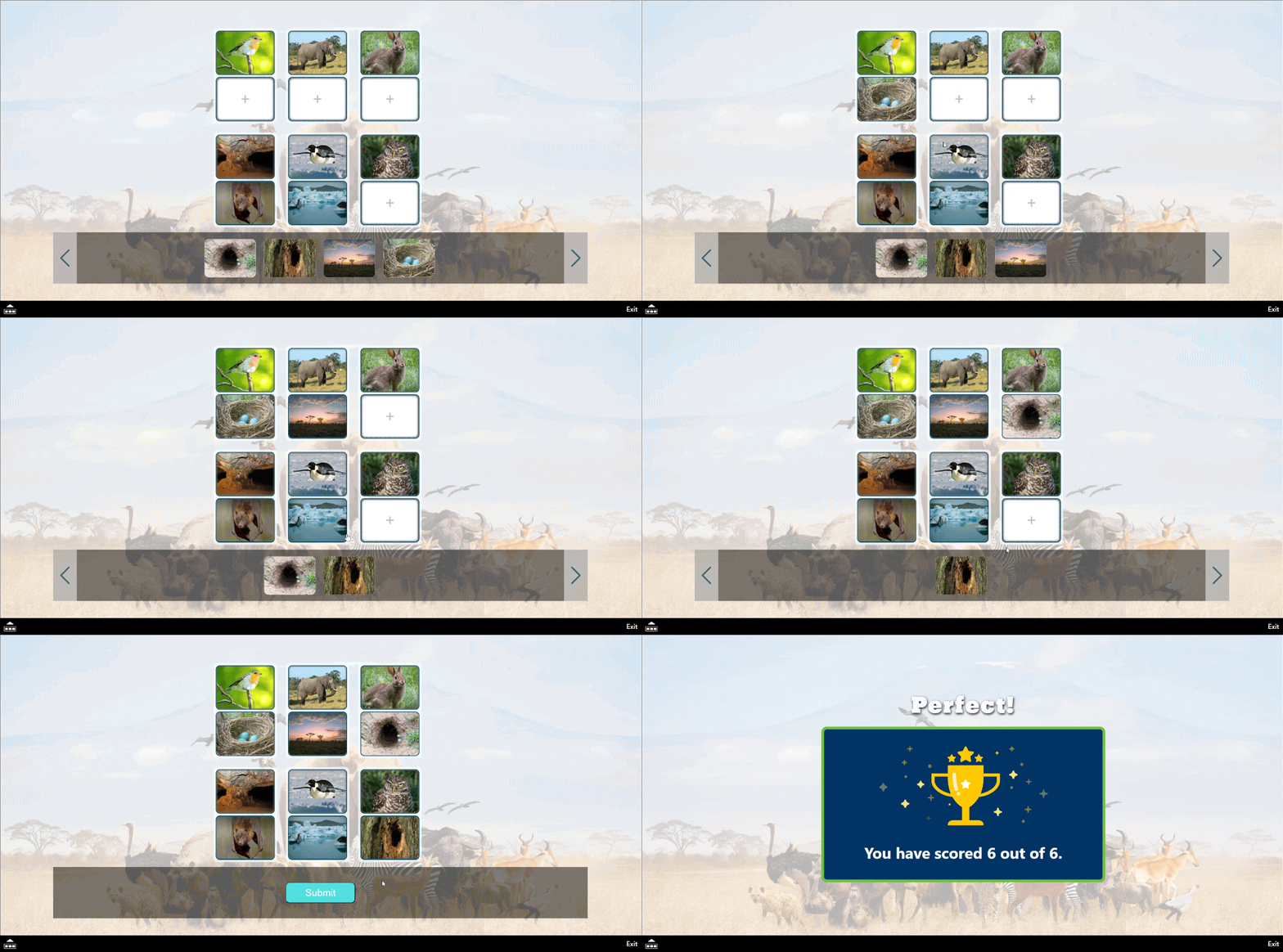
Interactive activity and game builders for instant learning and play
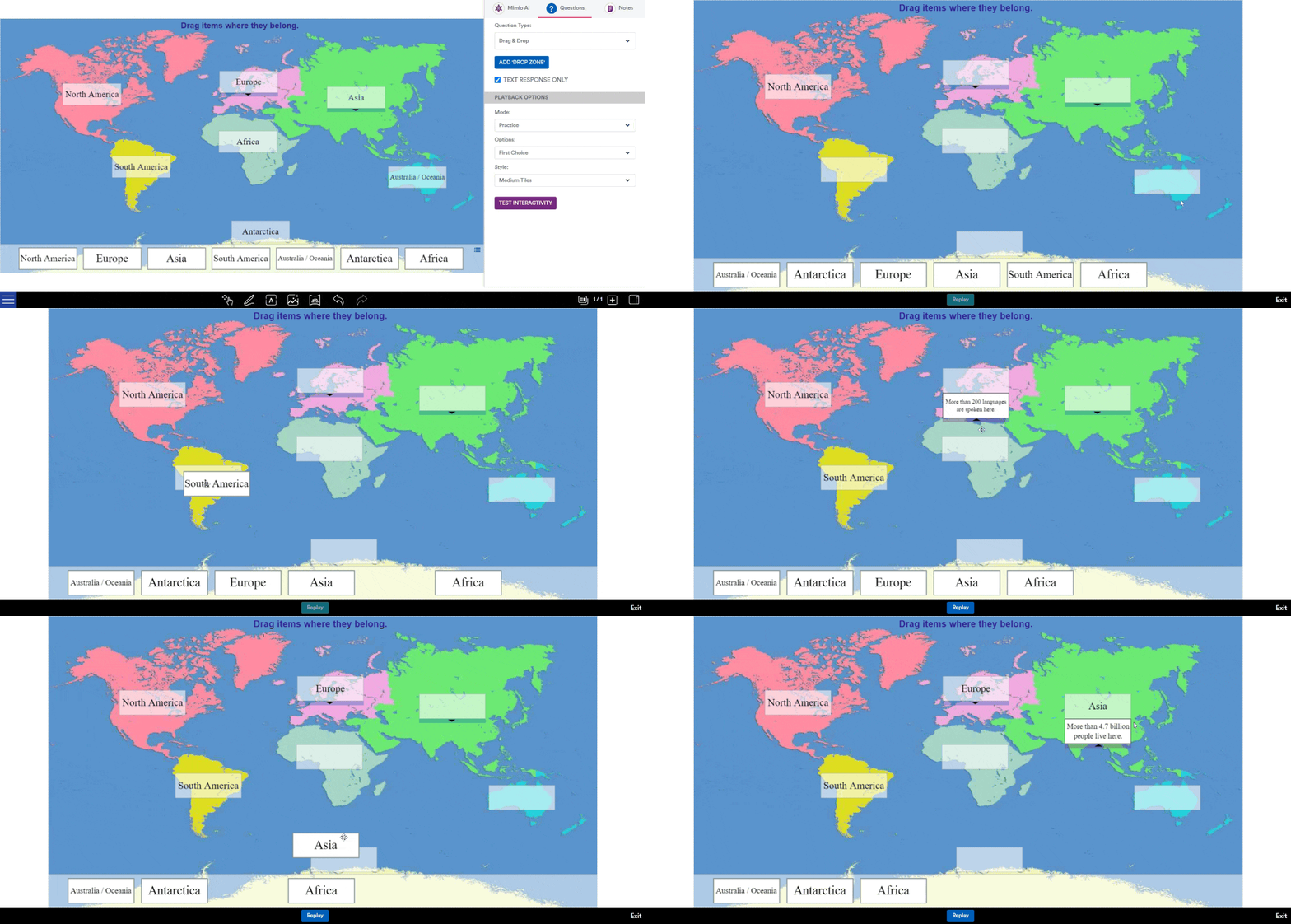
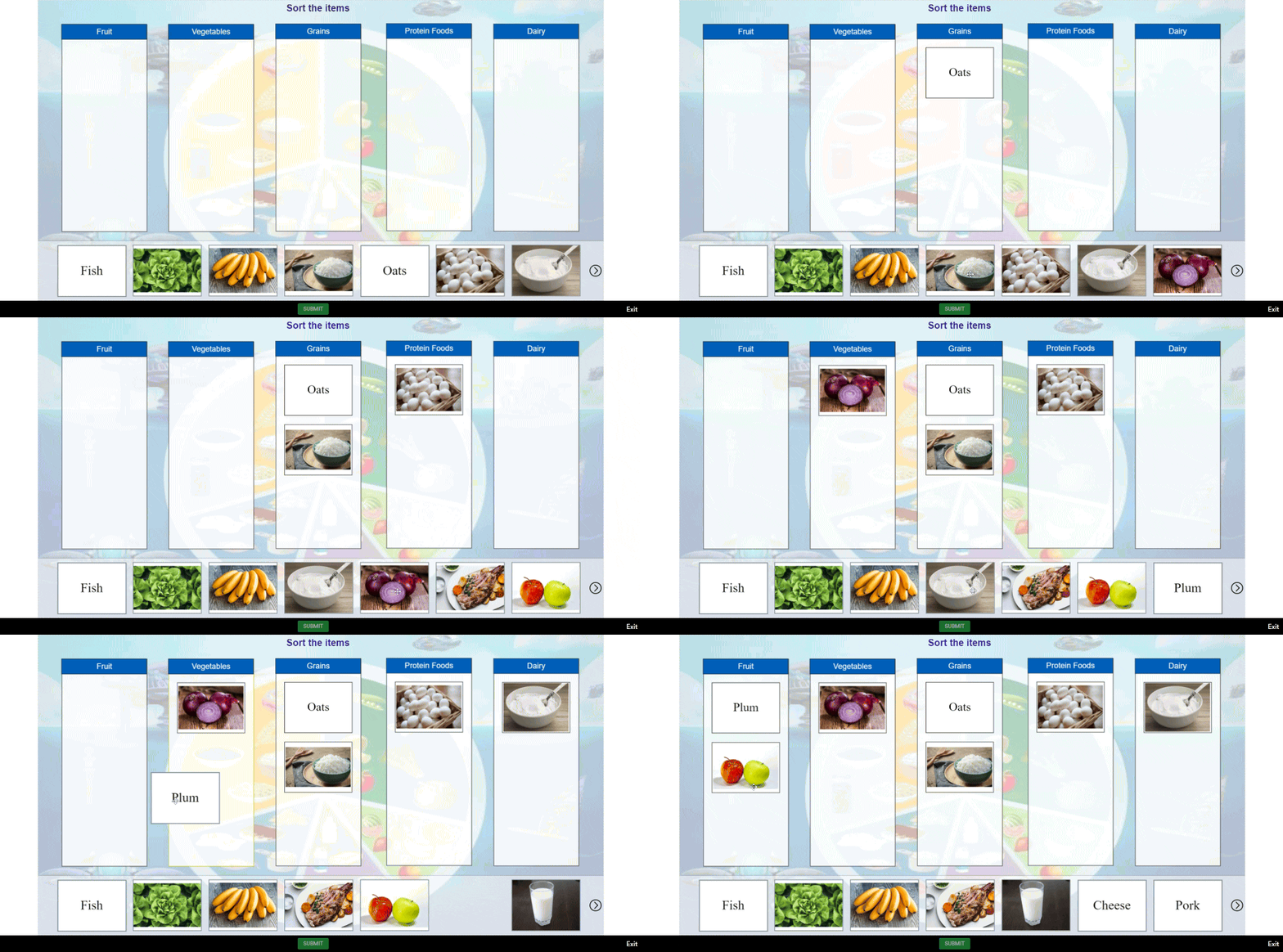
Making interactive activities has never been easier. Our easy-to-use activitiy builders allow for full customization of content, activity types, and playback modes. All MyClass activities support different playback modes including Learn, Practice, Assessment, Games, and Student Choice.
- Drag and Drop Activities
- Sorting Activities
- Matching Activities
- Flashcard Activities
AI that's built-in, not bolted-on
AI integration should feel like a natural extension, not an afterthought of a classroom solution. That’s why MyClass seamlessly integrates AI into the tools we already offer.
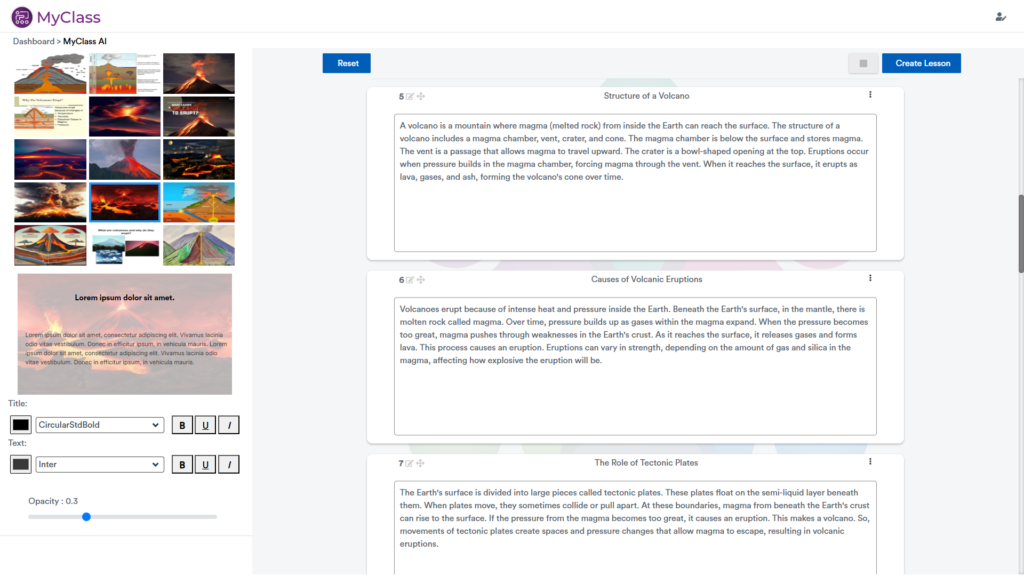
MyClassAI has been built into the sidebar during lesson creation, making it easy to add a summary, explanation, lists, ice-breakers, and even questions at any time while editing at slide-level. That even includes interactive activities and games.
Need to do something more complete? Access MyClassAI from the dashboard short and you can create entire lessons and quizzes which are formatted for you and ready to present.
No gimmicks, no unnecessary complexity – just AI that actually helps save time.
It’s fast and easy to create entire lessons and quizzes that are ready-to-go in just 3 steps with MyClassAI.



Compatible and customizable in a browser or Android panel
PC, Mac, Linux, Chromebook, iPad or Android? MyClass works with every device – just sign in and make it yours. Not only does the dashboard give you easy access to your lessons, content, classes, reports, weblinks and even Android apps, you can customize it with your own background, theme, and turn on or off widgets too. Set it as your Android home launcher on your front-of-class display and let MyClass keep your day running smoothly and organized.
Did you know?
The MyClass Android App is the only education-focused Android launcher in the world!